
EX · Drawing Edition
Turn a whole cabinet of drawings into something you can ask.
Mechanical, electrical and design drawings, along with their technical documents and contracts. Multimodal AI handles recognition, understanding and retrieval locally.
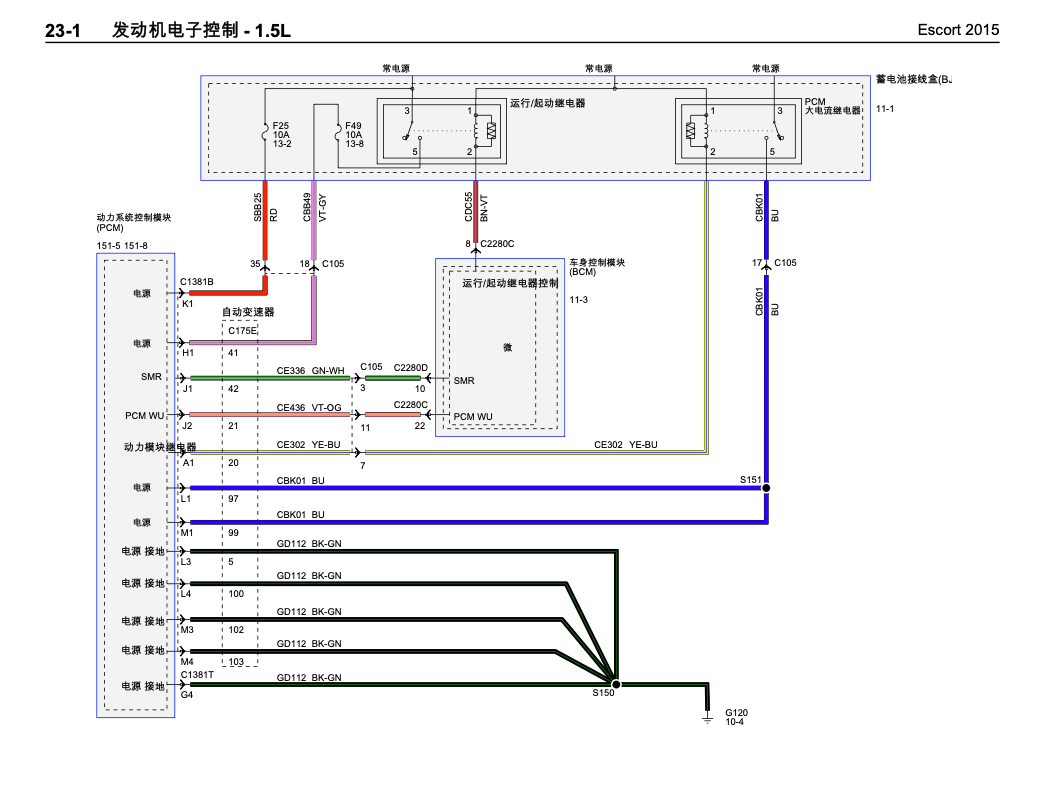
Which fuse powers the run/start relay?
On this drawing, the run/start relay is fed from the fuse labeled F49 10A 13-8. I have marked the location on the drawing — please confirm.
Interface illustration · the sample drawing is a public example
What it can answer
- What is the latest revision of this drawing number, and who changed it
- What material was used for that flange last year
- Which circuit powers this relay, and through which fuse
- Which drawings use this standard part / this material grade
- Where are the acceptance reports and technical requirements for this batch of drawings
- List the title block information of this drawing
Scope of use
- For 2D engineering drawings and accompanying documents (PDF, scans, photos, Office files)
- Runs as a retrieval layer on top of PLM and drawing archive systems, in parallel with your existing systems
- Every answer comes with an in-place crop and a source page, verifiable item by item
Supported formats
Whatever you have, drop it in.
Engineering drawings
Mechanical, electrical and design drawings. PDF (including scans) · PNG / JPG / TIFF photos · ZIP batch import
Accompanying documents
Technical requirements, acceptance reports, inspection records, contracts and invoices. Scanned and stamped copies are handled as well
Office documents
DOCX / DOC · XLSX / XLS · PPTX / PPT · TXT / MD
Native DWG support
Planned. The current version handles AutoCAD drawings via PDF exports.
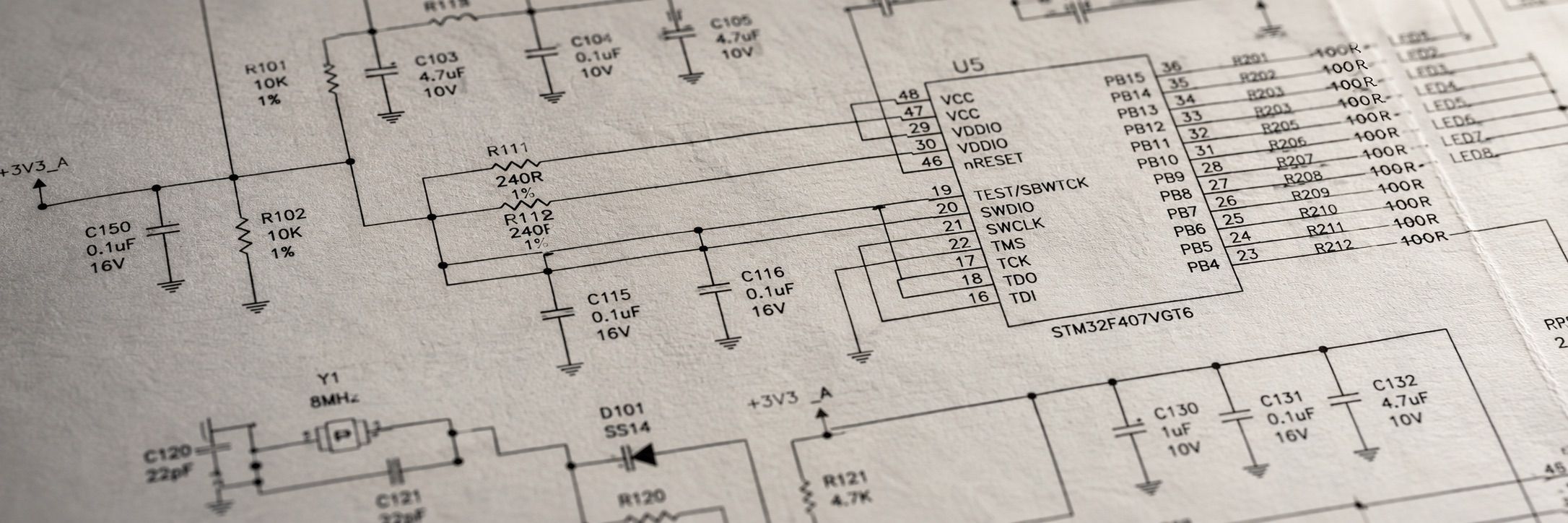
Why scanned files are searchable too
The document pipeline.
From one image to a question you can ask, there are six processing stages. Each is handled by a different type of AI model, with results cross-checking one another.
Layout parsing
Splits a full page into text boxes, tables and graphic regions, recognizing block by block. Drawings with dense lines and small text are processed per block instead of being read as one whole page.
OCR and vision AI working together
The OCR engine extracts text precisely, while vision AI understands layout structure and graphic relationships, with results cross-validated. Broken strokes, blur, skewed scans, seal occlusion and handwritten annotations are handled at this stage.
Dual extraction of details and meaning
It extracts the concrete content on the drawing — drawing numbers, material grades, component reference designators, annotations, bills of materials and title blocks; it also captures what the drawing expresses — assembly relationships, circuit routing, section views and part hierarchies.
Hybrid vector and keyword retrieval
Exact strings go through the keyword channel, natural-language descriptions through the vector channel, and the two result sets are merged and re-ranked. Search by code, or by meaning.
Page-level indexing and in-place locating
Locates the page and the region on the drawing, not just the file. For a 300-page drawing set, the answer points to the exact page and the exact spot.
Title block layout matching
For fixed layouts like title blocks, annotate once, then recognize by coordinates afterwards. Accuracy for the three high-frequency fields — drawing number, material and revision — improves significantly. The same applies to contract letterheads and invoice layouts.
Search by code
- Drawing number 23-1
- GB/T 5782
- CBK01 / 40Cr
- Contract no. HT-2024-081
Search by meaning
- Which circuit powers this relay
- The batch of drawings that went through nitriding
- Old parts structurally similar to this one
- The acceptance reports for this batch of drawings
The two question styles go through different retrieval channels, and results are returned in one ranked list.
Delivery
Set up and delivered to your door.
We complete system deployment and commissioning before the machine leaves the factory. On site, our engineers connect your drawing archive, build the knowledge base and finish acceptance.
No server room, no network retrofit, and no extra staff needed on your side.
Try it with your own drawings.
Provide a few sanitized drawings, and we will build the knowledge base and ask questions live in the demo.