
EX · Investigation Edition
The analyst’s
own investigation computer.
Logs never leave the intranet.
A machine on your desk, not a shared system.
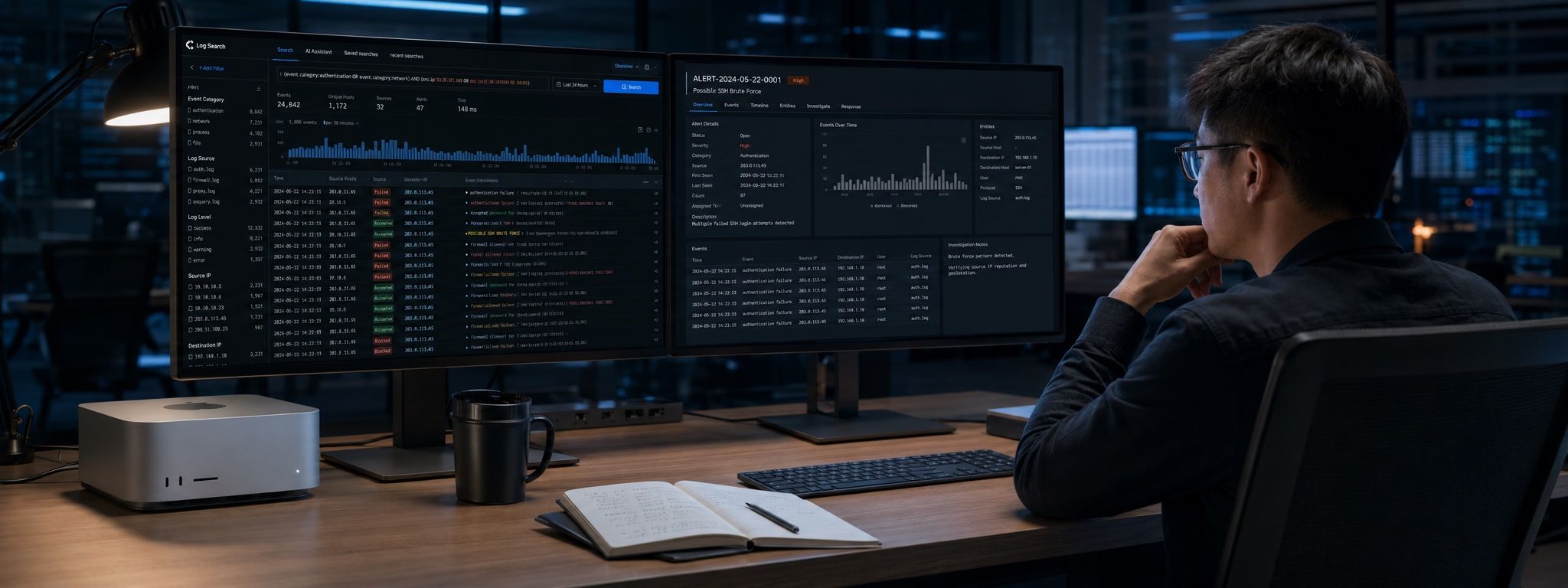
The status quo
Analysts can’t paste logs
into cloud LLMs.
This isn’t a preference, it’s discipline. A single raw log can carry hostnames, internal addresses, accounts, and business identifiers — once it leaves the intranet, the nature of the incident changes.
So AI stalls at the demo stage in many SOCs: everyone has seen what it can do; no one is allowed to actually use it.
One investigation
From alert to report.
Alert triage
Pull alert context and decide whether it’s worth pursuing. Noise gets filtered out at this step.
Correlated search
Search across log sources for what happened on the same host, the same account, within the same time window.
Timeline reconstruction
Arrange events scattered across different systems into a single readable timeline.
Intelligence enrichment
Compare suspicious indicators against local intelligence to fill in known context.
Produce the report
Generate conclusions and a chain of evidence, delivered straight into the ticketing system.
Randomized presets
Connects to the systems you already use.
Logs & search
Splunk · Elasticsearch · Kibana
Monitoring & intelligence
Grafana · CloudWatch · MISP
Cloud environments
AWS Security · IAM · EC2 · S3 · Lambda
Ticketing & knowledge
Jira · Confluence
Databases
MySQL · SQL Server
All presets ship randomized with no internet access. Which systems to connect is configured together with our engineers at delivery.
More than search
On the intranet,
the one AI you can actually use.
Logs must not be pasted into cloud AI — that discipline is right. The cost: analysts still have no AI at all, left to manual digging and experience.
EX puts the full AI capability into this machine, running entirely locally. Not a single byte leaves the intranet.
Keep asking
“Which other hosts has this account logged into?” — continue from the previous question without restating the context.
Summarize into a timeline
Arrange events scattered across systems into a readable timeline, noting the source of every entry.
Draft reports
First drafts of incident reports and response recommendations, with evidence chains that carry their sources — ready for ticketing and post-incident review.
Explain unfamiliar techniques
When you hit an attack technique or alert rule you’ve never seen, ask on the spot instead of pausing the investigation to look things up.
Translate foreign intel
Vendor advisories and threat intelligence translated locally. No more pasting text out just to understand a paragraph.
Why one machine per analyst
Investigation is personal.
The log fragments, hypothesis paths, and intermediate conclusions of a single analyst’s investigation shouldn’t sit on a shared server for anyone to browse.
One machine per person: data stays on that person’s desk, and audit trails are clear down to the individual. When the machine powers off, the investigation ends there.
Alternative delivery
Already have GPU servers?
The software part of the Investigation Edition can be delivered as pure software, plugged into your own inference compute and intranet tools, deployed on your existing servers.
One engine, two ways to deliver.
Run it on your own logs.
In a remote demo, we connect to a real machine and run a complete alert investigation.